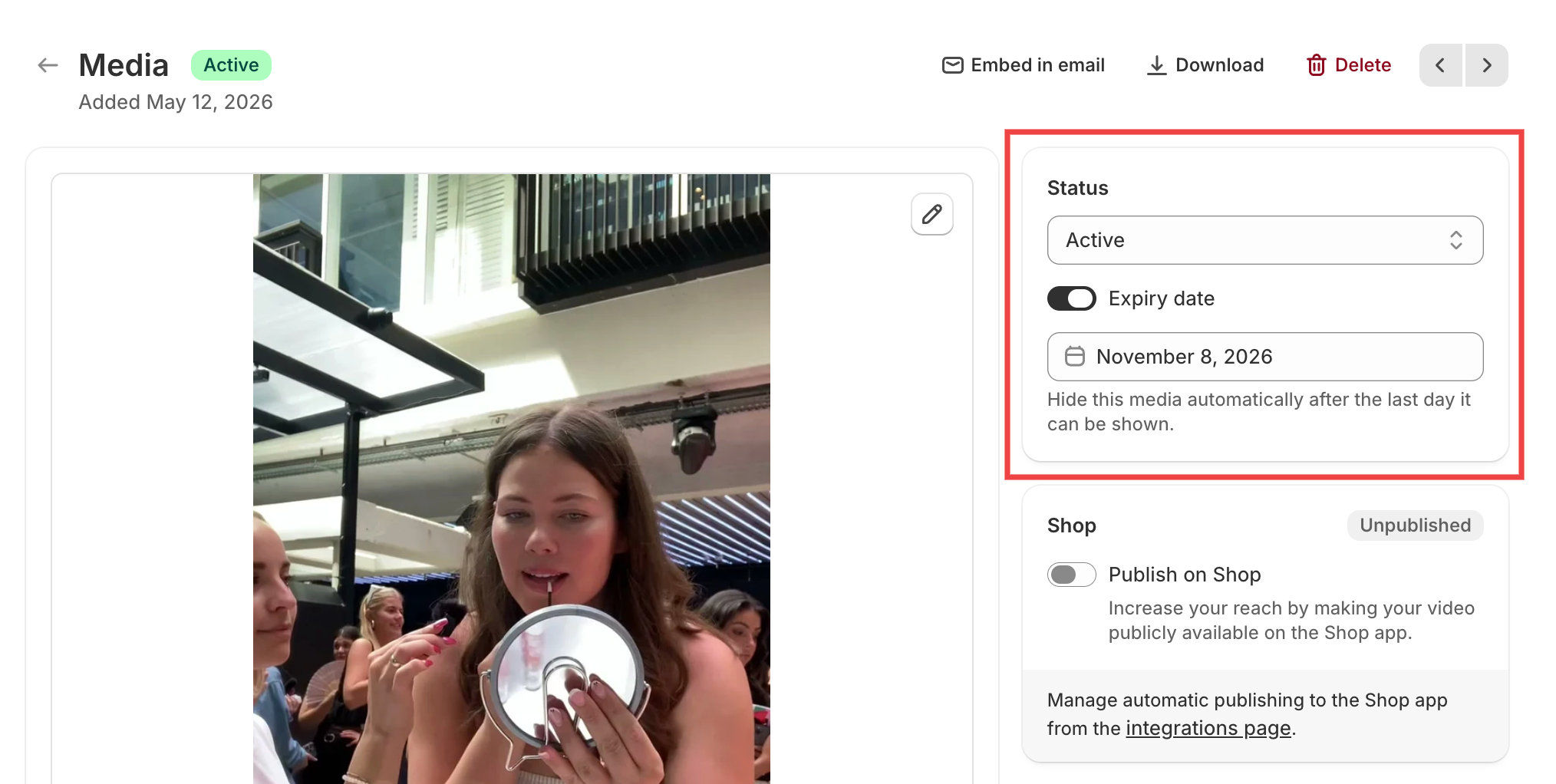
Automatically hide videos with expiry dates
You can now set an expiry date for your videos and images, and Moast will automatically hide them when that date passes. This is especially useful for UGC with limited usage rights, seasonal promotions, or time-sensitive content.
Open the media in your library and turn on Expiry date in the status area. The same control appears when you upload new media, and the date you pick applies to everything in that upload.