new
new
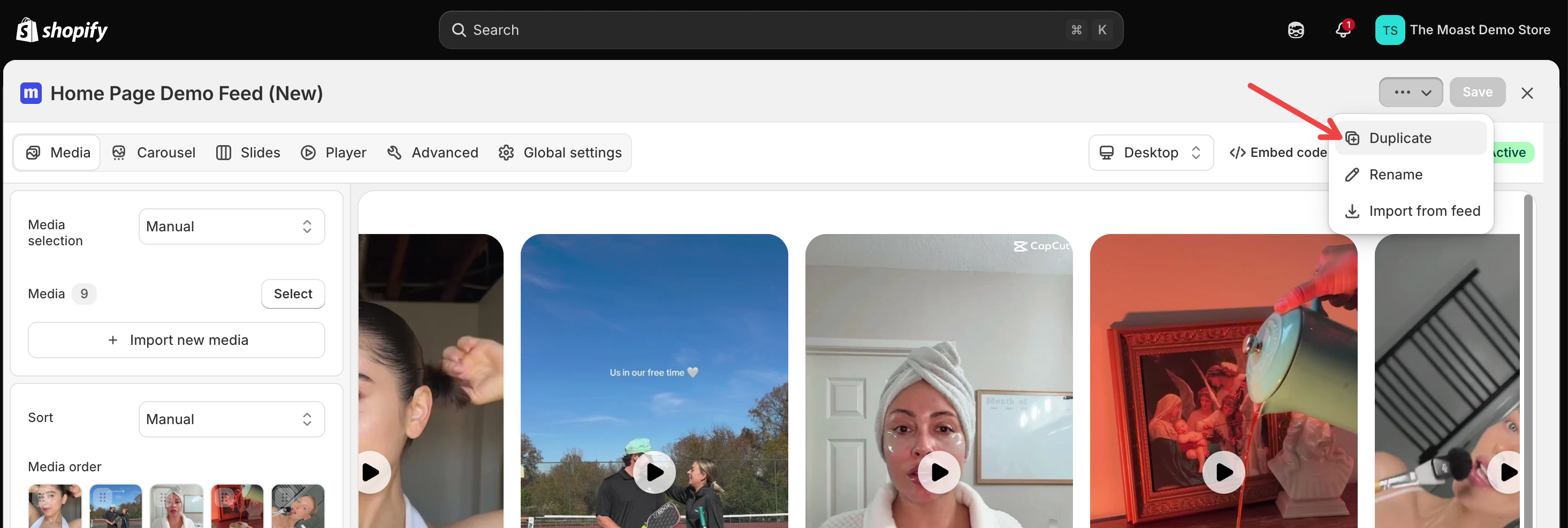
You can now duplicate any video or image in your Media library, so you can reuse a setup without uploading the file again.
Open the video or image from your Media library.
Click Duplicate.
You can now duplicate any video or image in your Media Library. Reuse a setup without uploading the file again.
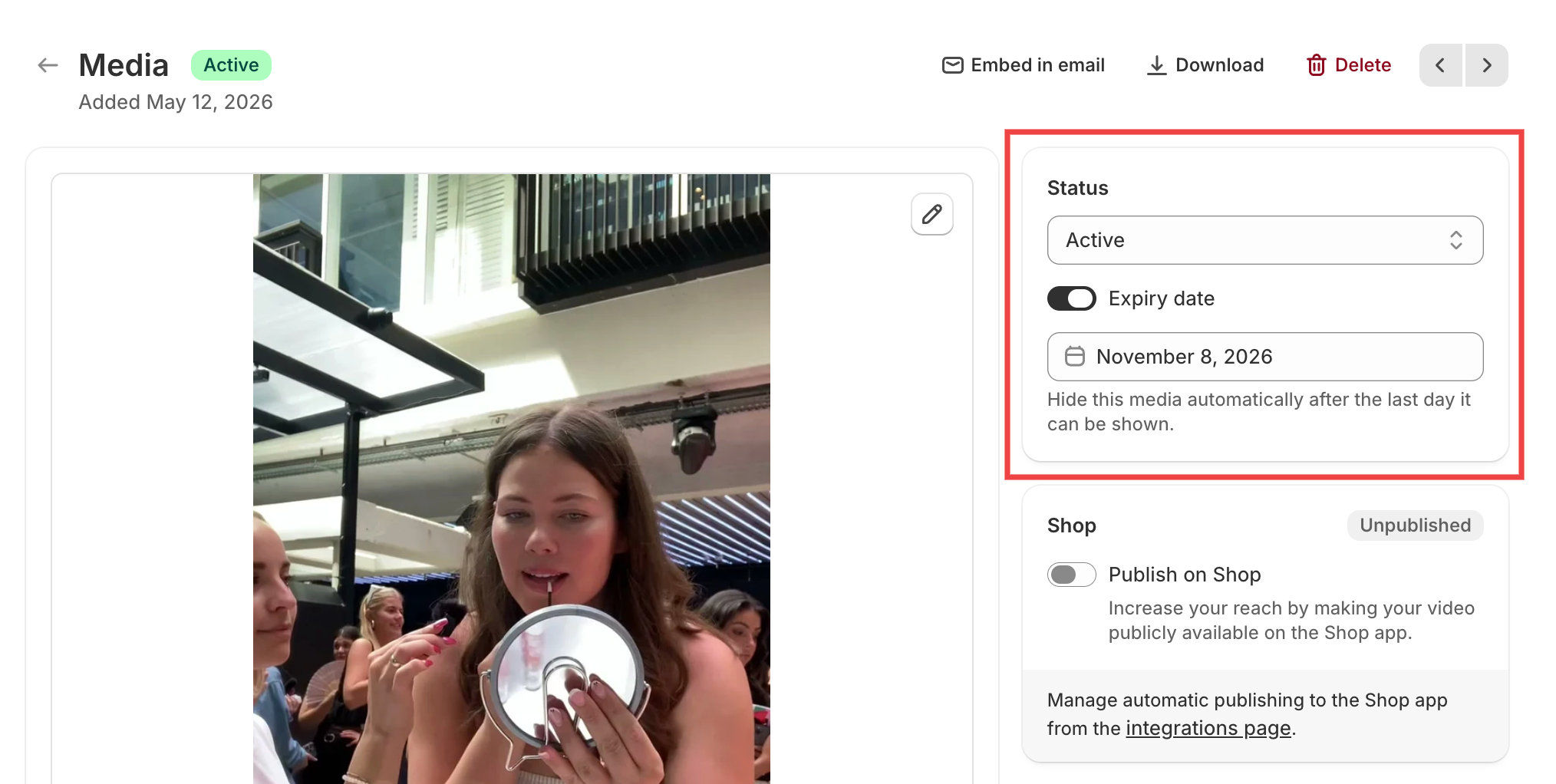
To duplicate, open any video or image and click Duplicate. The copy keeps your caption, product tags, links, labels, and thumbnail.
Note: Stats start at zero, and the copy isn't added to widgets or the Shop App right away. See How to duplicate media for the full details.