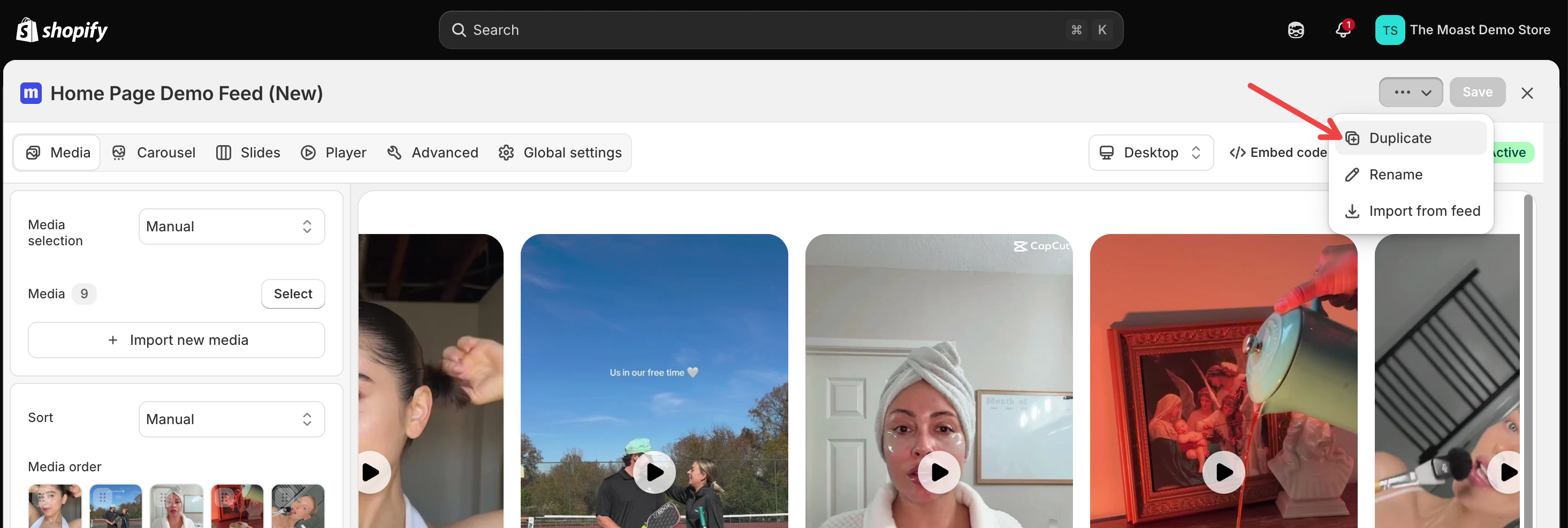
Duplicate widgets
You can now duplicate any widget straight from the Widgets list, making it easy to reuse the same design and settings without starting from scratch.
Go to Widgets and click the Duplicate icon on the widget you want to copy.
In the Duplicate widget window, the name is prefilled as <widget name> (copy). Change it if you like, then click Duplicate.
The copy includes the widget's settings and videos. It stays unpublished until you add it to the theme. When it's done, you'll see a Widget duplicated confirmation with an Open copy action that opens the new widget in the editor.