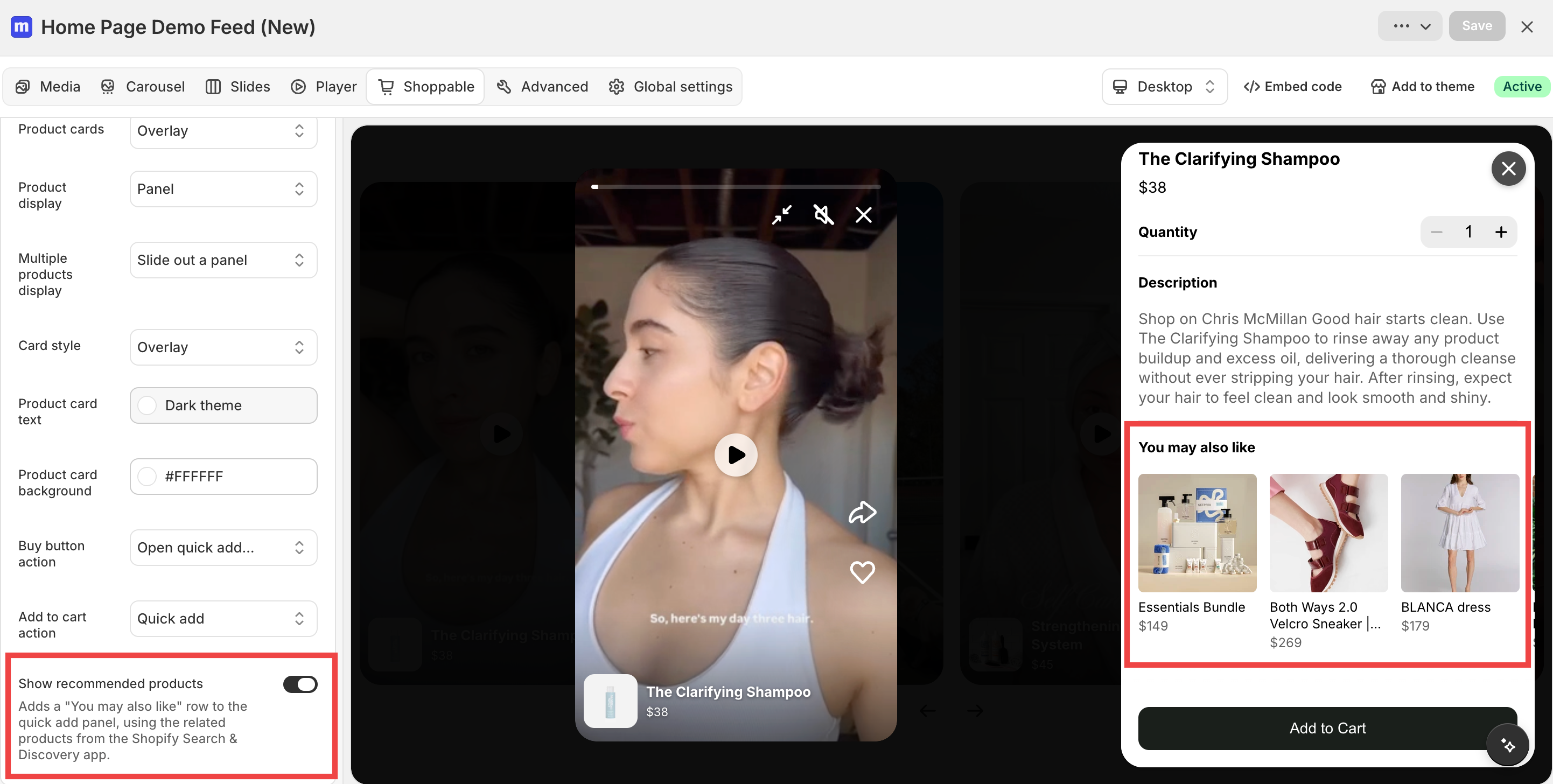
Show recommended products in the quick add panel
new
You can now show recommended products in your quick add panel, helping shoppers discover more products and add more to their cart.
To enable it on all your widgets: go to Settings → Widgets → Products and turn on Show recommended products.
To control it on a single widget: open that widget in the editor and use Show recommended products in the Shoppable section.
Note: This feature is only available when your Buy button action is set to Open quick add panel with product details, not when it links directly to the product page.