
How to show social handle on videos from creators and influencers
Updated last month
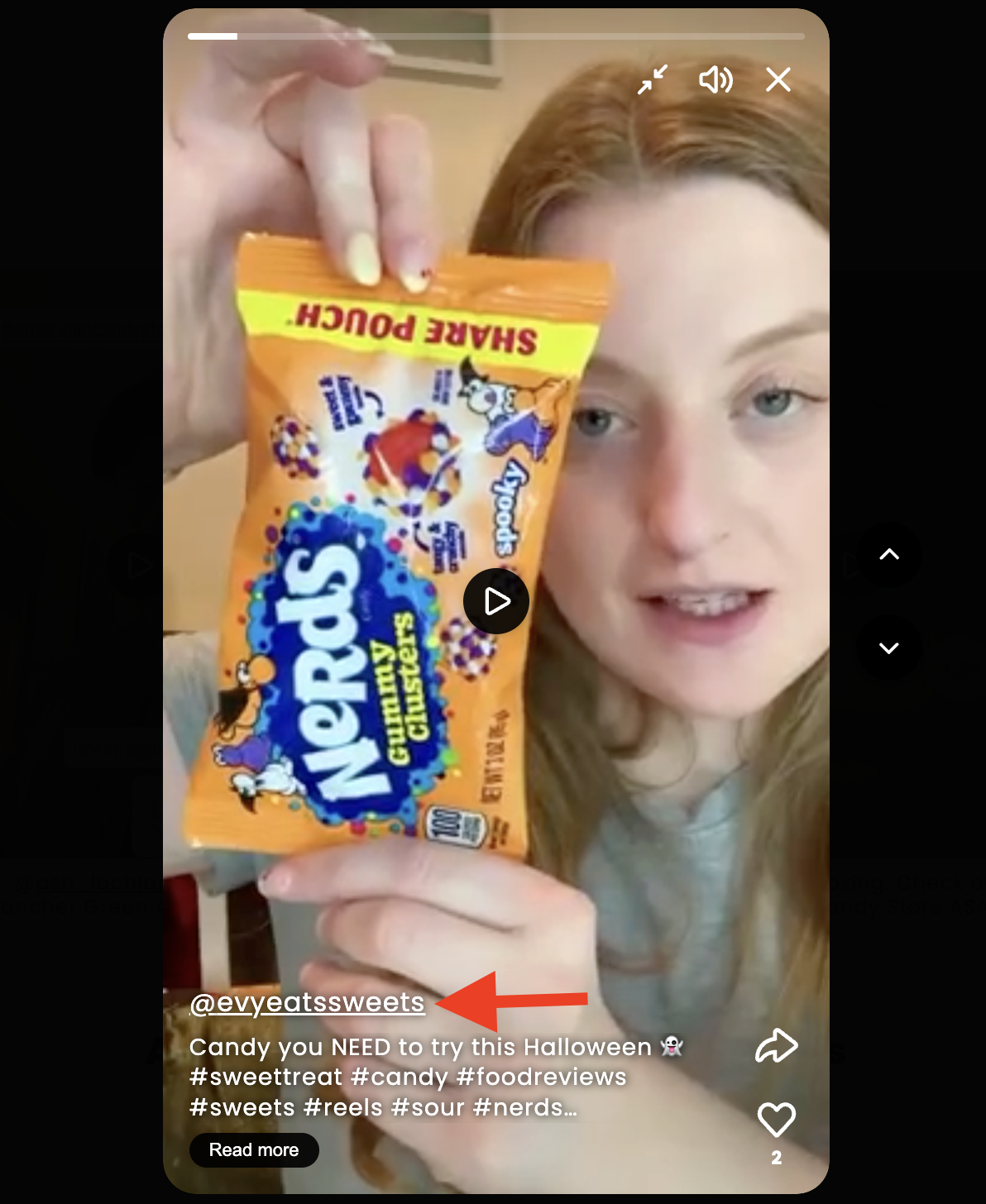
You can show a creator’s social handle on your Moast videos so shoppers can see who made the content.
Before you start
Social handles come from media imported from Instagram or TikTok. Moast brings in the creator’s handle with that media.
Showing handles is a Pro feature, both below slides or stories and in the fullscreen player.
On the Free plan you can preview these settings in the editor, but the preview is not saved. Upgrade to Pro to show handles on your store.
Use a Carousel or Stories widget to show handles below the content.
Show social handles below slides or stories
Turn this on in the widget editor to show handles on each slide or story on your store.
In Moast, open Widgets.
Open the Carousel or Stories widget you want to edit.
In the editor, go to the Slides section.
Turn on Show social handles for a Carousel widget, or Show social handles below stories for a Stories widget.
For a Carousel widget, choose where the handle appears:
On the slide — a pill badge over the video with a platform icon.
Below the slide — plain text under the video. This is the default.
Save your widget.
These options show the Instagram or TikTok username that posted the video, with a link to their profile. They are off by default. Stories always show handles below the circular thumbnail. For more on editing widgets, see How to Use the New Widget Editor.
Show social handles in the fullscreen player
Show and link a social handle inside the video player for each widget.
In Moast, open Widgets.
Open the widget you want to edit.
In the editor, go to the Player section.
Turn on Show social handle.
Save your widget.
The player control is available for Carousel, Stories, Grid, and Floating widgets, and shows the Instagram or TikTok username as a linked badge. It only appears when the player is set to open, such as Fullscreen or Floating.
Older widgets keep their previous player setting until you save them with this per-widget control. Once you save, the current value is saved for that widget.
Where the handle comes from
When you import media from Instagram or TikTok, Moast imports the creator’s social handle with it. That is the handle shown on your content.
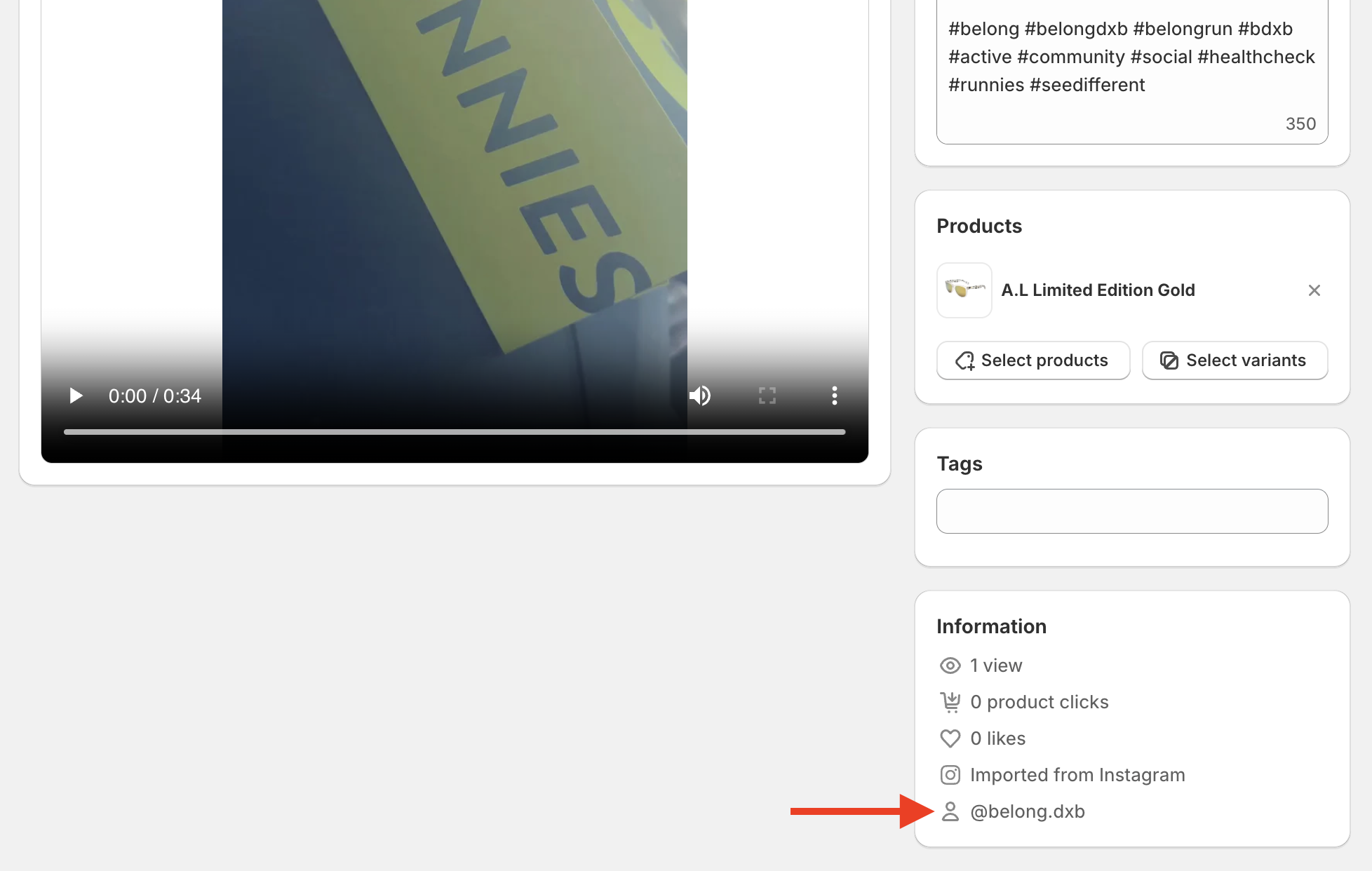
If you use Social Sync to bring in content, see How to set up Social Syncs.